






No PokéStops near home
Live somewhere quiet? Fly to a park with stops on every corner and keep your items stocked.
Fly to Central Park, New York
Pokémon GO
Catch regional Pokémon, raid in busy cities and walk routes from home — with no jailbreak and nothing installed on your iPhone.
GhostDex changes your iPhone’s location for Pokémon GO over Bluetooth, from a Mac, Windows PC or Android phone. You can teleport anywhere, walk with a joystick or along a route, and let a virtual GO Plus catch and spin for you. A cooldown timer tells you how long to wait after every jump.
Live somewhere quiet? Fly to a park with stops on every corner and keep your items stocked.
Fly to Central Park, New York




Farfetch’d in Asia, Mr. Mime in Europe, Tauros in North America, Kangaskhan in Australia — complete your Pokédex without a plane ticket.
Fly to Shibuya, Tokyo


Remote raids are limited. Big cities always have a full lobby for Legendary and Mega raids.
Fly to Taipei 101


Community Day runs in local time. Finish yours, then hop to a later time zone and play it again.
Hop from Sydney to London


Nests move every few weeks. Jump to a nest the community just found and search for shinies.
Fly to Marina Bay, Singapore


Walk a loop at a realistic speed — distance only counts below about 10 km/h — while GO Plus spins every stop.
Loop a 2 km park route
Some Pokémon only appear in one part of the world. Fly there, catch them, and come back.
Farfetch’d
Asia
Tokyo
Mr. Mime
Europe
Paris
Tauros
North America
New York
Kangaskhan
Australia
Sydney
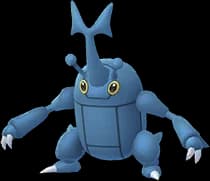
Heracross
Central & South America
São Paulo
What’s live now and what’s coming, with times in your own time zone.
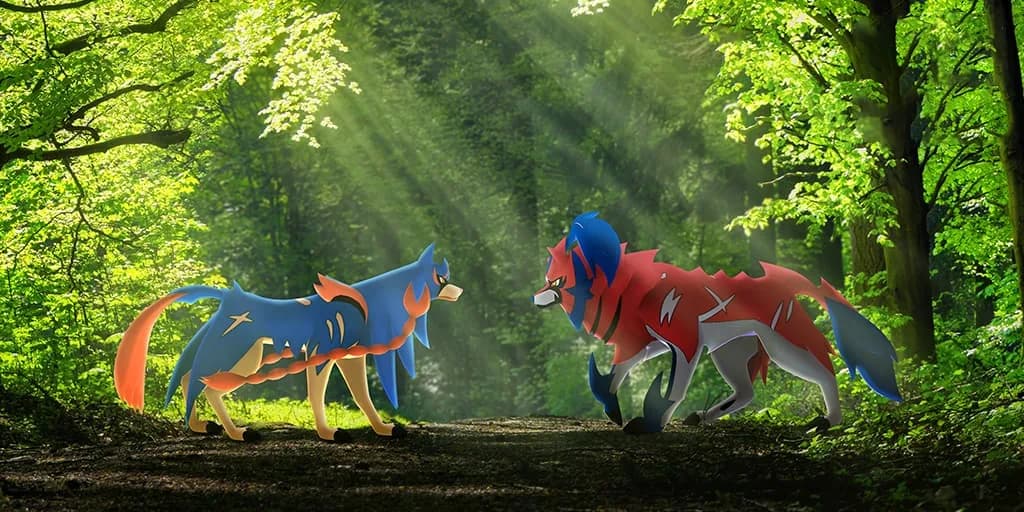 Raid BattlesLive
Mon, Nov 9, 10:00 AM – Fri, Nov 13, 8:00 PM local time


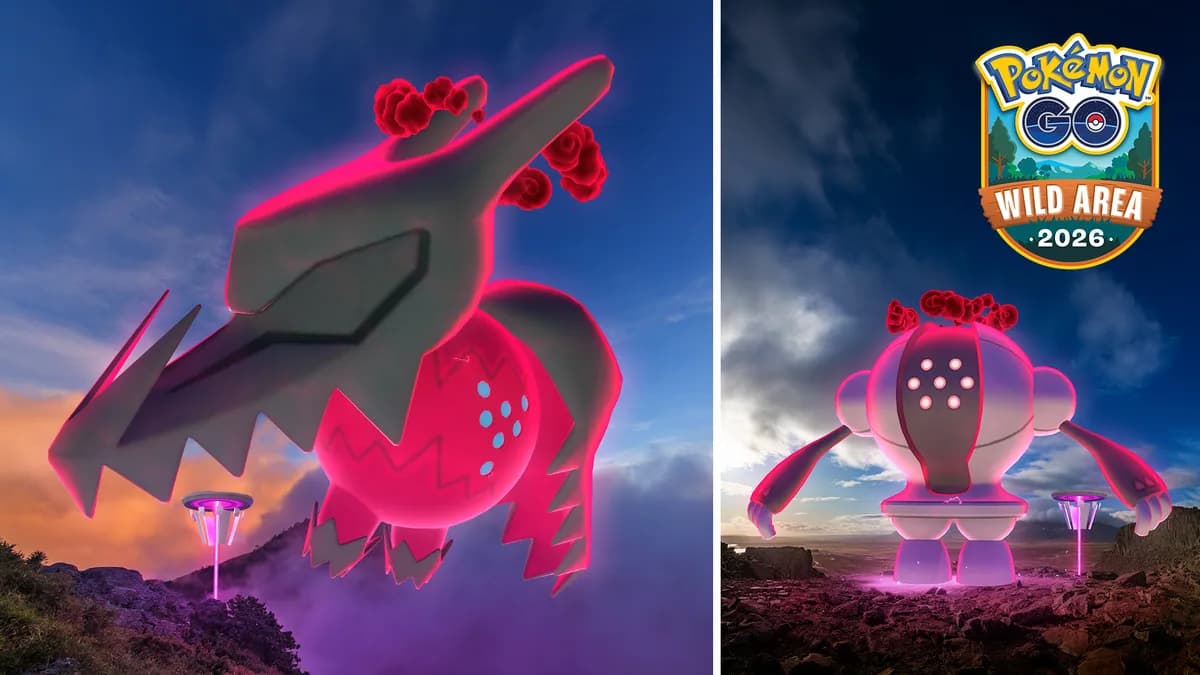 EventLive
Mon, Nov 9, 10:00 AM – Fri, Nov 13, 8:00 PM local time
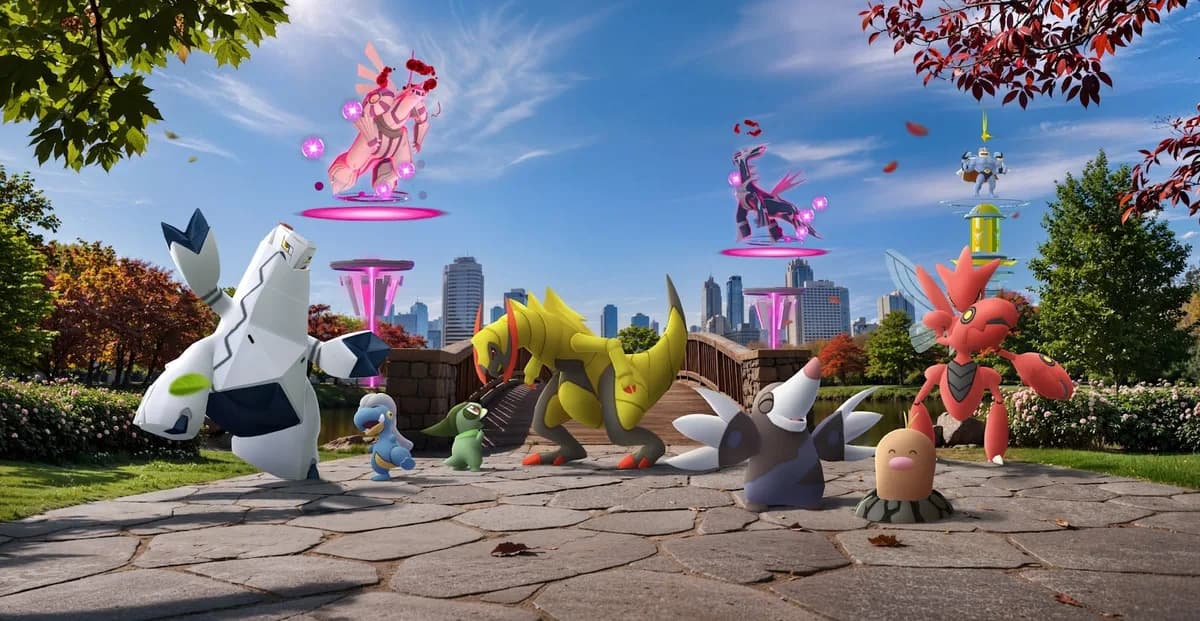 Wild AreaLive
Sat, Nov 14, 10:00 AM – Sun, Nov 15, 6:00 PM local time
After a long jump, wait before you catch, spin or battle. GhostDex counts this down for you in the status bar.
| Distance | Wait before you act |
|---|---|
| 1 km | 1 min |
| 5 km | 2 min |
| 10 km | 8 min |
| 25 km | 15 min |
| 50 km | 25 min |
| 100 km | 35 min |
| 250 km | 45 min |
| 500 km | 65 min |
| 1,000 km | 100 min |
| 1,500 km+ | 120 min |
Pair once over Bluetooth. Next time it reconnects on its own.
Click the map, search a city or paste coordinates.
Teleport instantly, or walk with the joystick and routes.
GhostDex itself is 100% safe: no jailbreak, nothing to install on your iPhone, no changes to Pokémon GO, and we never ask for your game account password. Your location is created on your own device and never uploaded. After every jump GhostDex shows the cooldown — playing by it is the safest way to play.
Yes, as long as you walk at a realistic speed. Pokémon GO only counts distance below about 10 km/h, so GhostDex’s walking presets stay under that.
Yes. Community Day runs in each region’s local time, so after your local event ends you can fly to a later time zone and play it again.
No. GhostDex runs on your Mac, Windows PC or Android phone and talks to your iPhone over Bluetooth. Nothing is installed on the iPhone.
Log in to the app with Discord and join our Discord server. New members get 5 days of VIP automatically.
Download GhostDex and get 5 days of VIP free on Discord.

